Full-Stack App · Chrome Extension · Landing Page
MyFormsVault
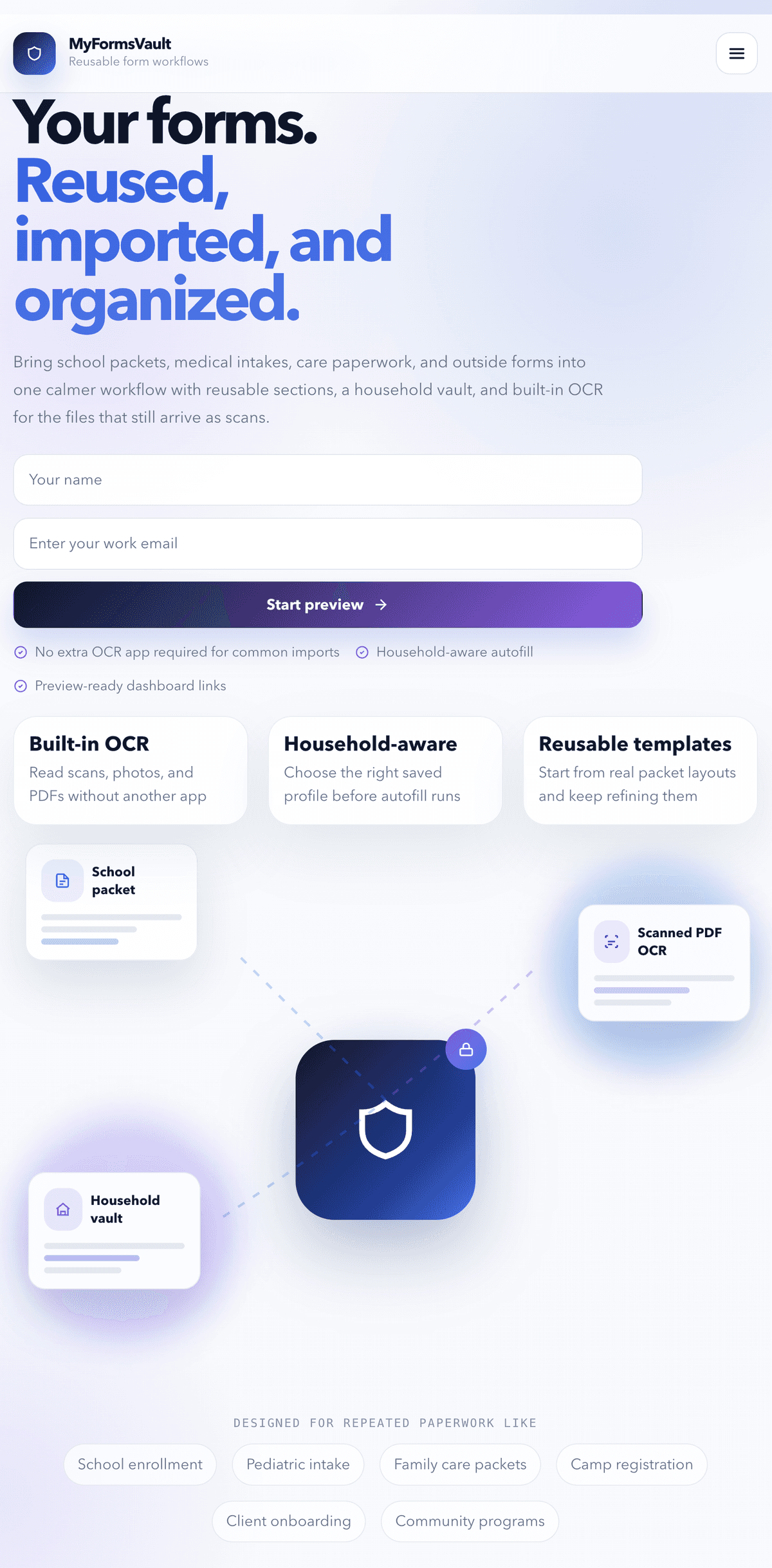
A live web app and Chrome extension for importing, organizing, and autofilling repeated forms — built with Next.js, Supabase, and a household vault for reusable family data.
View live site →The Problem
Families, school offices, and care teams fill out the same forms over and over — name, address, medical details, emergency contacts — every season, every year. There was no good way to import outside forms, store reusable household records, and autofill the next one without starting from scratch every time.
The Goal
Build a live product that lets users import any form, store reusable household profiles in a family vault, publish public forms with household-aware autofill, and extend that workflow into the browser through a Chrome extension — all from one dashboard.
What I Built
- Full-stack web app built with Next.js, Supabase, and Prisma
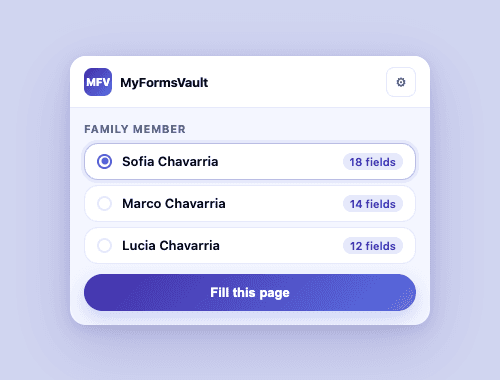
- Chrome extension with household-aware autofill
- Landing page copy, positioning, and visual design
- OCR-backed form import pipeline
- API key system for secure extension authentication
- Household vault for storing reusable family data
Screenshots
Tools & Skills
What I Learned
This project taught me how to ship a real product end-to-end — from database design and server-side auth to Chrome extension APIs and live deployment on Vercel. I learned how to navigate real technical constraints like DNS resolution differences between local and production, Supabase schema permissions, and building a secure API key system from scratch.
What I Would Improve Next
Next, I would add end-to-end autofill testing with real school and clinic forms, build out the submission review dashboard, and expand the template library with more pre-built household and care workflows. Publishing to the Chrome Web Store is also on the roadmap.